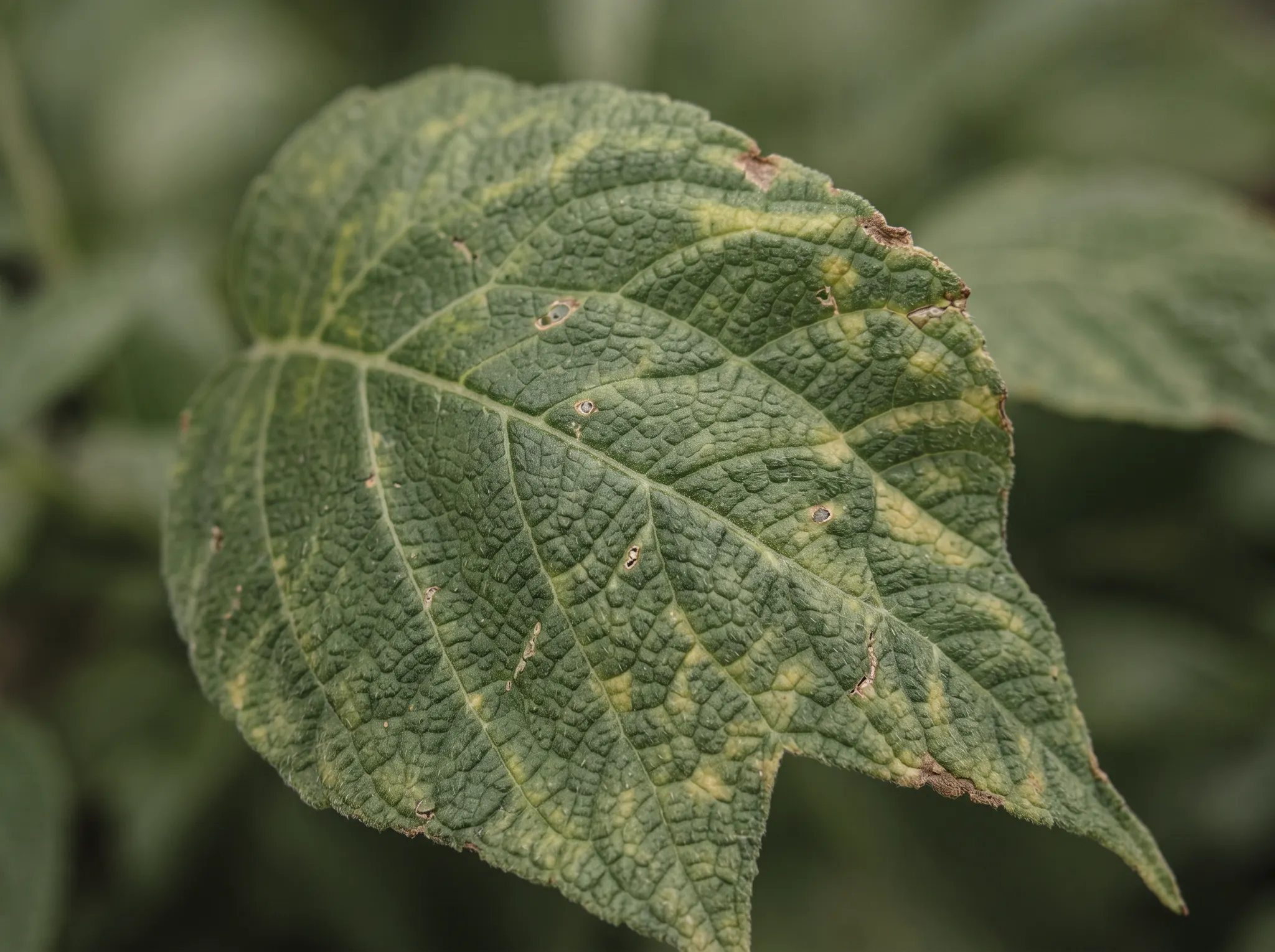
Why are these leaves yellow?
Look at which leaves changed first, root-zone moisture and recent feeding.
 Garden Sage
Help a struggling plant with Garden Sage
Photograph yellow leaves, spots, wilting or visible pests with Garden Sage. Explore plausible causes and a practical next check, then save the plant and return to its dated checks as things change.
Free to download. Start with two saved plants; optional Premium supports a larger collection. Compare free and Premium.
From symptom to next check
The same symptom can have several causes. Pair the photo with timing, distribution and recent care so the next check is grounded in this plant.
Use a whole-plant photo when distribution matters, or one close view that includes affected and healthier tissue together.
Add when you first noticed it, whether it is spreading, and any recent weather or care change.
Review what the image supports, plausible causes, uncertainty and one practical next observation.
Questions from the garden
A specific observation gives the check somewhere useful to begin. You do not need to arrive with a diagnosis.
Look at which leaves changed first, root-zone moisture and recent feeding.
Compare pattern, texture, leaf position, weather and the rate of change.
Check heat, root-zone moisture, stems and whether it recovers overnight.
Inspect both sides of the leaf, then photograph the clearest evidence of residue, pests or physical injury.
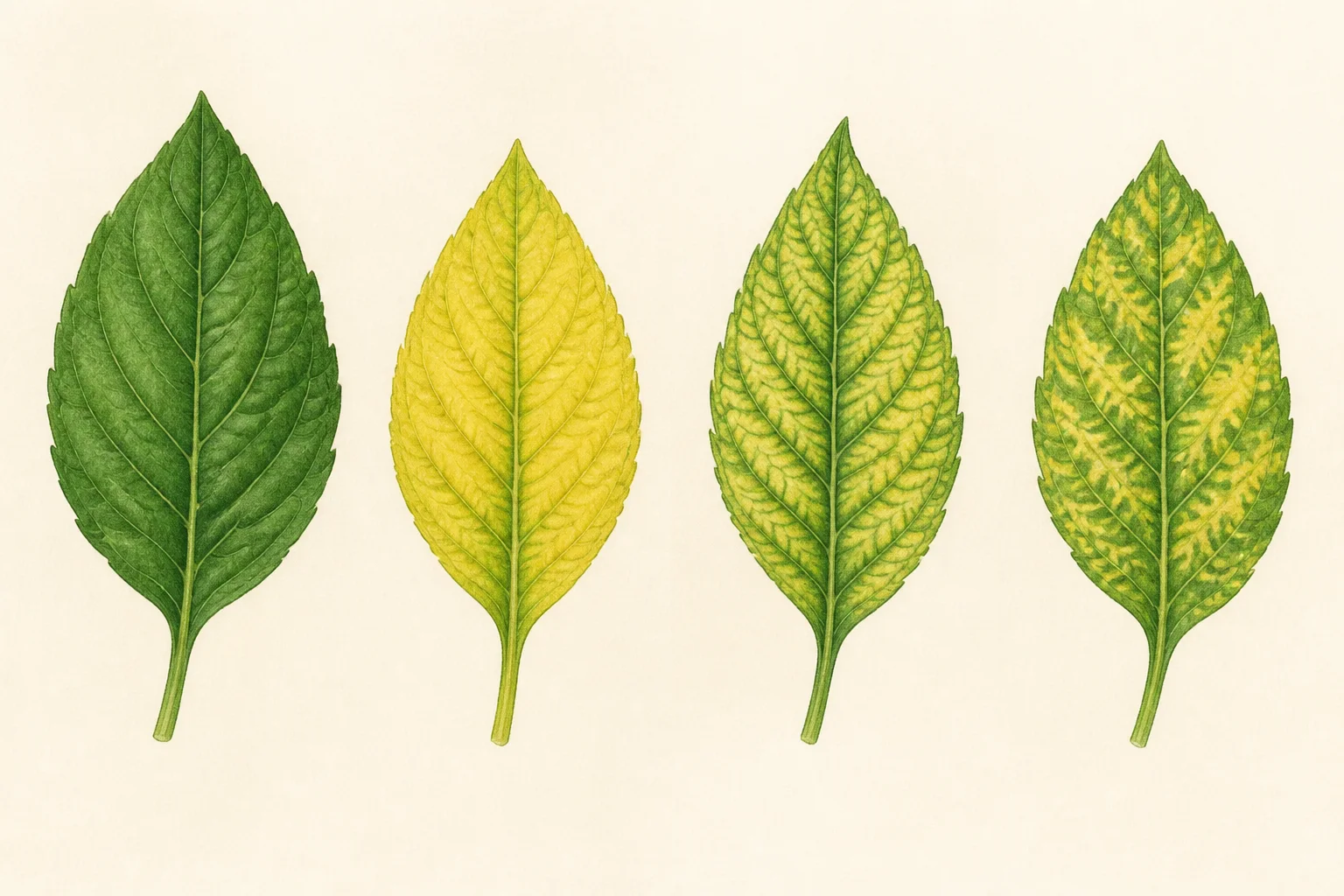
Make sense of the signs
Garden Sage is designed to show the visible evidence, plausible explanations, what to check now and what remains uncertain. That helps avoid treating a guess as a fact.
Important limits
A plant diagnosis app can help you compare visible symptoms with possible causes. A photo cannot inspect roots or soil, confirm a pathogen, prove toxicity or safely choose a pesticide by itself. Garden Sage narrows the next check and can point to professional help when the consequence of error is high.
Do not use an app result alone for poisoning, foraging, pet safety, pesticide choice, serious tree hazards or another urgent, high-consequence decision.
Read the uncertainty and escalation policy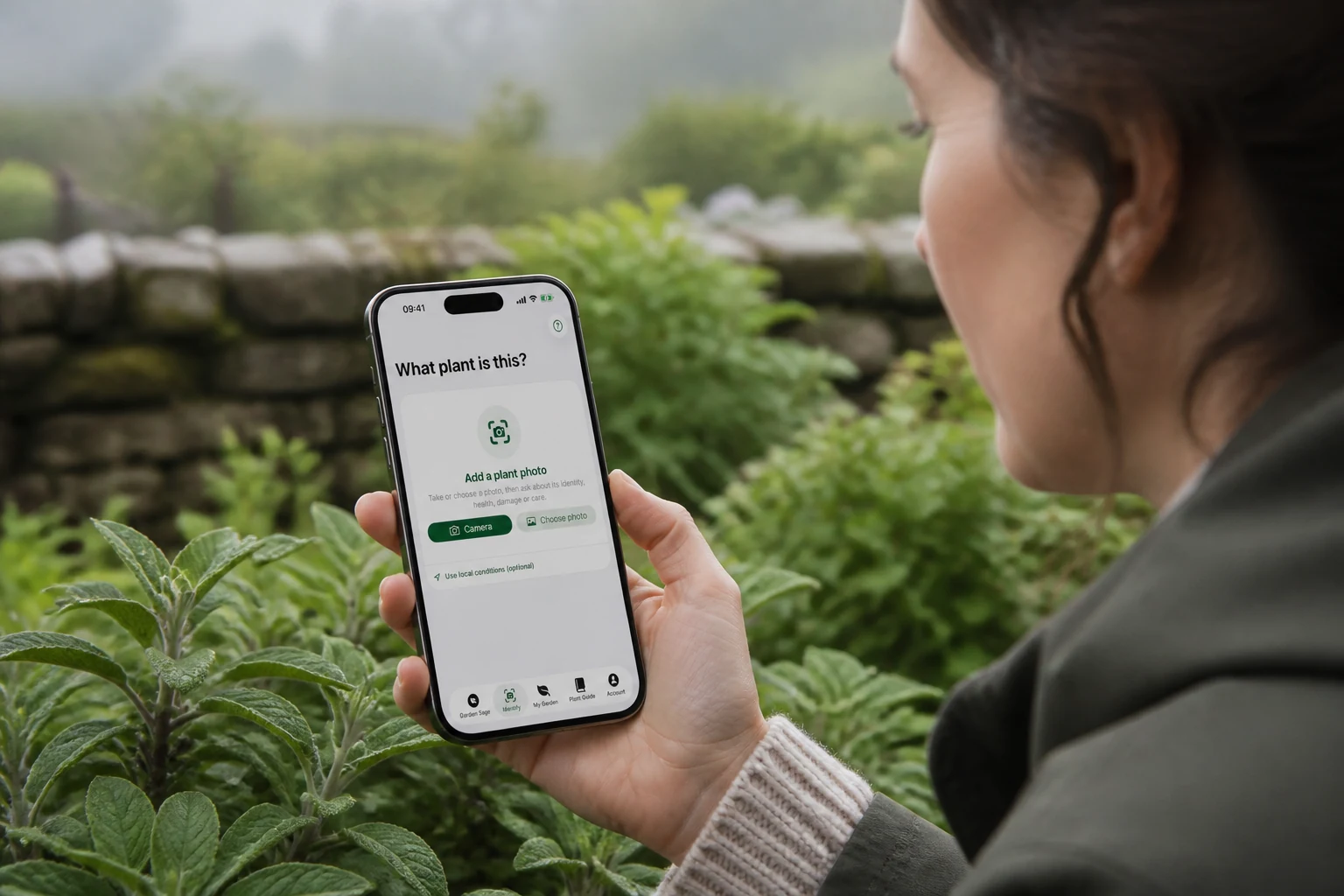
Follow the plant, not the guess
Keep the dated result, any watering or feeding you log and a later separate photo check together rather than starting again from memory. Time and response can reveal what one photo could not.
Explore the garden journal appPlant problem guides
The product page explains the app workflow. These editorial guides show how to inspect common plant symptoms in more depth.
Growing thyme? Read why thyme dies over winter and what to check for stem-base, live-shoot and drainage checks.
Follow the plant after the first check
Start free: Start with a free plant check: one useful check, once. Retakes and clarifications needed to finish it are included. Your result and essential care stay available. Save up to two plants free.
Care for a larger collection: Premium includes further plant checks, saved-photo reanalysis and new AI garden questions, with up to 50 plant checks each day. It also removes the two-plant save limit. Your existing saved plants, results and conversations remain readable when Premium ends.
Choose a monthly or annual Premium plan. Any introductory trial is shown in the app, subject to Apple’s offer and your eligibility.
Apple shows the current storefront price and renewal period, and confirms any trial duration and eligibility, before you subscribe. After a trial, the selected paid plan begins automatically. The subscription renews unless cancelled in Apple subscription settings.
Download on the App Store