
Plant care tracking with Garden Sage
A garden journal app for your iPhone.
Keep your plants and their care history together in Garden Sage. Log watering and feeding, set recurring reminders and return to dated photo checks when something changes.
Free to download. Start with two saved plants; optional Premium supports a larger collection. Compare free and Premium.
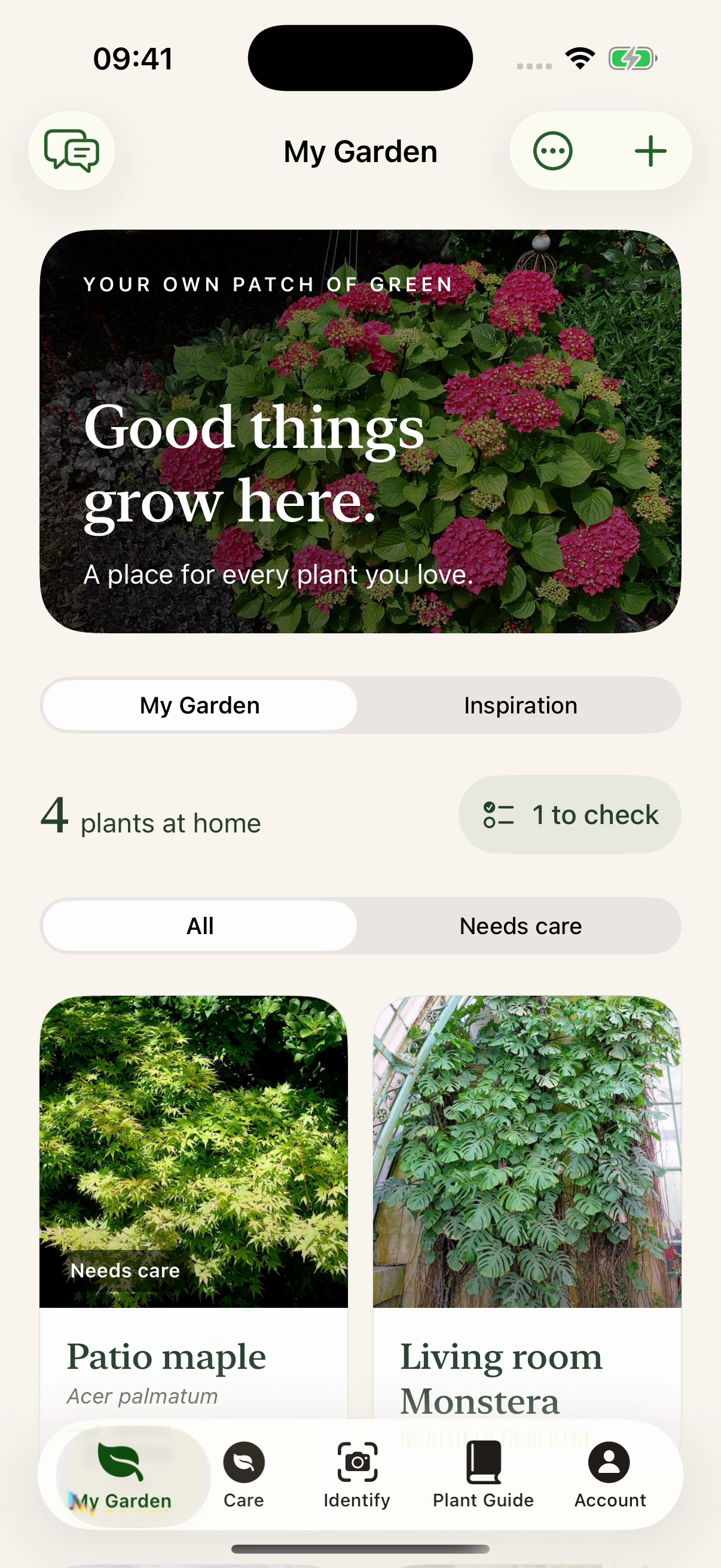
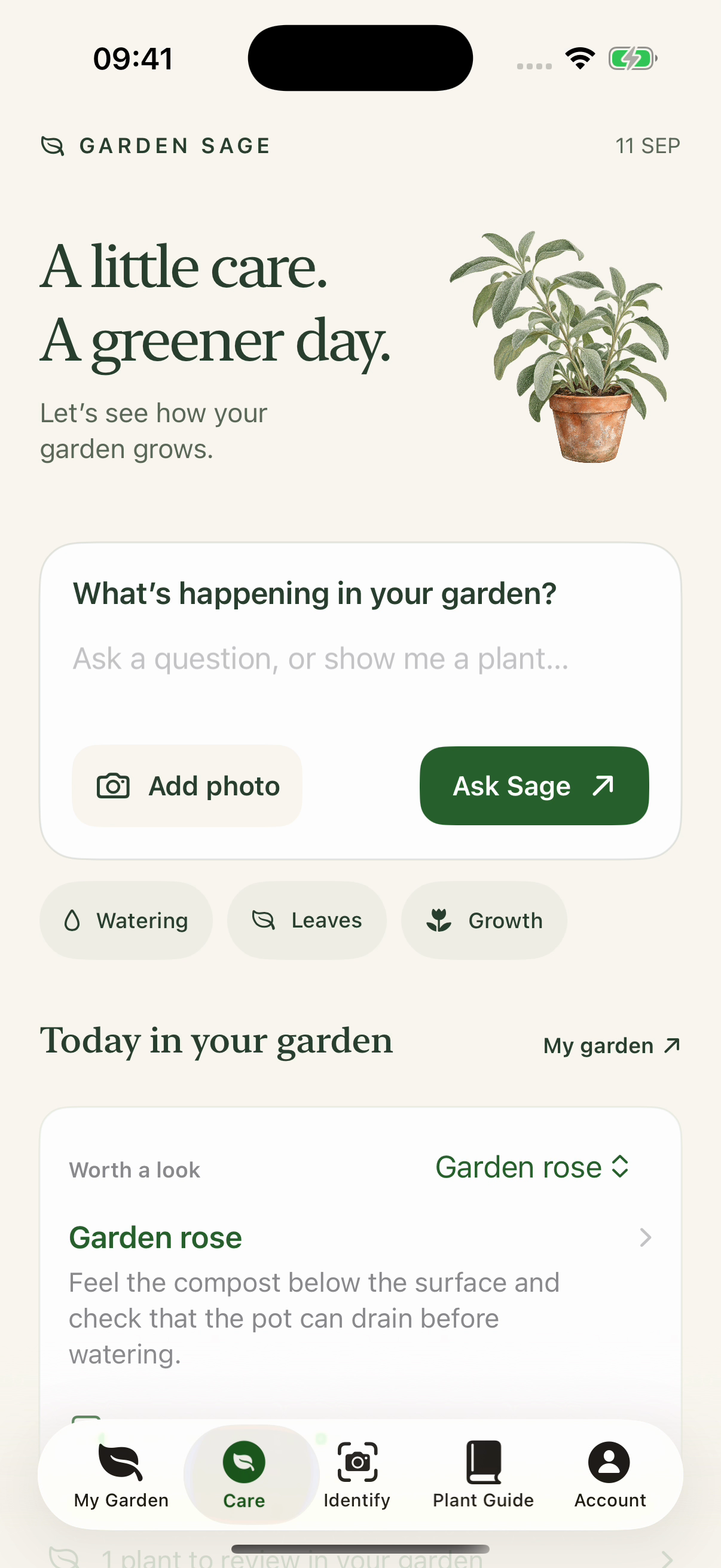
From result to ongoing record
How to keep a plant care record.
A simple record helps when memory cannot: what a photo check found, when you watered or fed, when the next reminder is due and what a later check found.
- 01
Save the plant
Keep your plant’s name, dated photo and observations together, including anything you are still unsure about.
- 02
Log watering or feeding and set a reminder
Record watering or feeding, then set the corresponding cadence or reminder.
- 03
Return for the next check
Open the same plant record when something changes and run a later, separate photo check.
A useful record, not busywork
Track watering, feeding and plant health checks.
The value of a garden journal is not the number of entries. It is whether you can return to the plant and understand its most recent care and check.
- 01Your plant’s name and photoKeep a note of anything that still needs checking.
- 02Dated photo checksReturn to dated results and observations from recent checks.
- 03Watering and feeding historySee recent care before repeating or reversing an action.
- 04Growing contextKeep location, indoor or outdoor setting, planting type, light, soil and drainage where provided.
- 05Latest health check and next stepContinue from the same plant rather than starting over.
Reminders with context
Set plant watering and feeding reminders.
Garden Sage keeps recurring water and feed reminders beside the saved plant and can surface a diagnostic follow-up when a result supplies a follow-up date. Open the plant record before acting, checking available local conditions and the root zone first.
A reminder prompts you to check the plant. Water or feed only if it needs it.
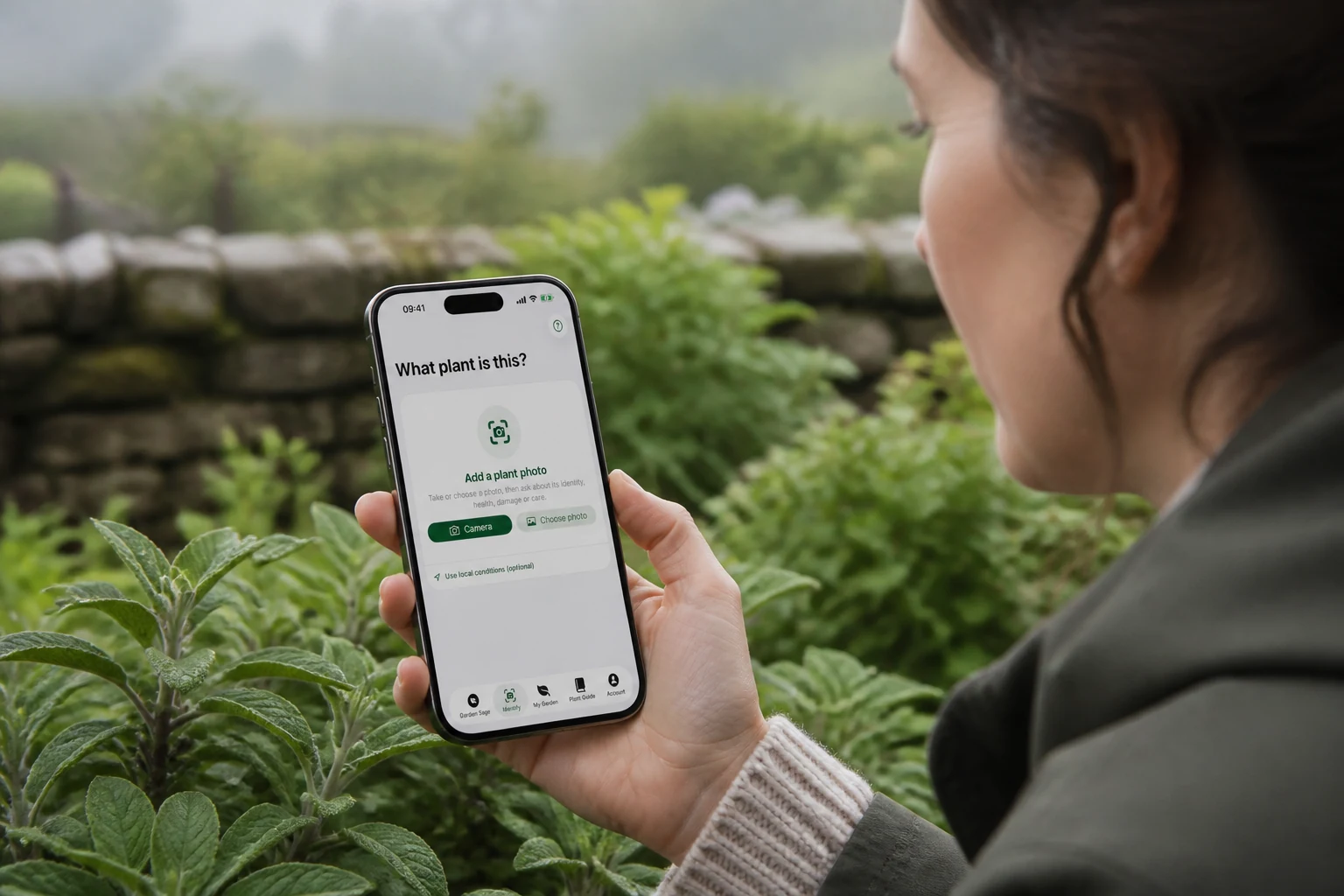
Return to the same plant
See what changed instead of relying on memory.
Return to the plant’s dated photo checks, recent check observations and watering or feeding history when a new question appears. The dates can make the sequence of change clearer, even without a side-by-side comparison tool.
Explore the plant health checker appA journal that helps later
Record less. Learn more from it.
The editorial guide explains a compact plant record, repeatable photos, precise care notes and useful follow-up timing.
Care for the plants you keep
Download Garden Sage and start your plant record.
Start free: Start with a free plant check: one useful check, once. Retakes and clarifications needed to finish it are included. Your result and essential care stay available. Save up to two plants free.
Care for a larger collection: Premium includes further plant checks, saved-photo reanalysis and new AI garden questions, with up to 50 plant checks each day. It also removes the two-plant save limit. Your existing saved plants, results and conversations remain readable when Premium ends.
Choose a monthly or annual Premium plan. Any introductory trial is shown in the app, subject to Apple’s offer and your eligibility.
Apple shows the current storefront price and renewal period, and confirms any trial duration and eligibility, before you subscribe. After a trial, the selected paid plan begins automatically. The subscription renews unless cancelled in Apple subscription settings.
Download on the App Store